Have you ever stared at a bank’s homepage, feeling like you’re on a treasure hunt just to find the login button? You’re not alone. Managing your finances online is supposed to be convenient, but sometimes that very first step—simply getting into your account—can feel surprisingly confusing.
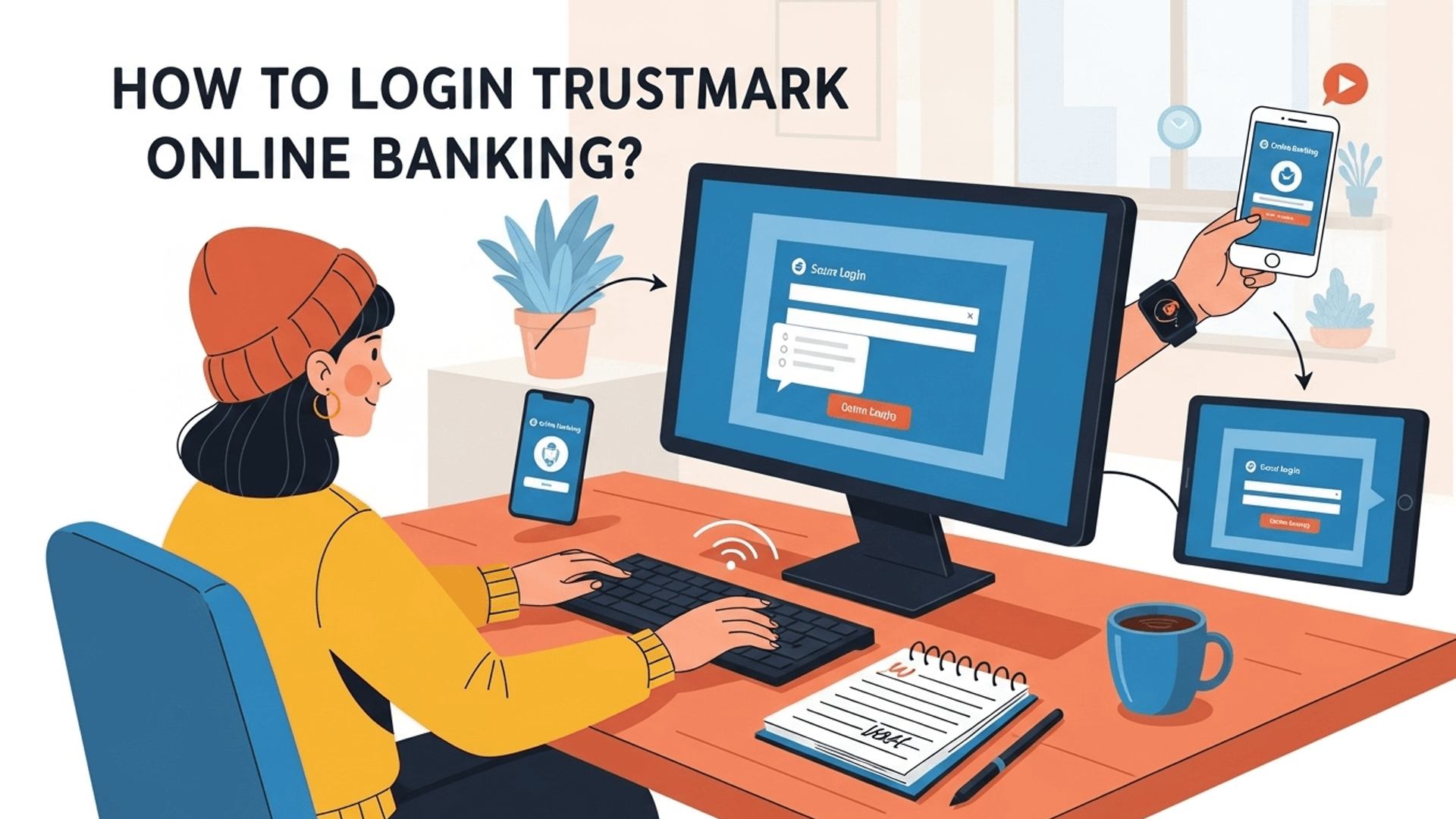
If you’re a Trustmark Bank customer, we have great news. Accessing your account is incredibly straightforward, and we’re here to walk you through it. To make it even easier, we’re pairing this guide with a super-clear video from your Tech Avatar that shows you every single click.
Ready to make your Trustmark Bank login a breeze? Let’s get started.
Why Use Trustmark Bank Online Banking Anyway?
Before we jump into the “how,” let’s quickly touch on the “why.” If you haven’t fully embraced online banking, you’re missing out on some serious convenience. Once you’re logged in, you can:
-
Check your account balances in real-time
-
Transfer funds between accounts
-
Pay bills without writing a check
-
View your transaction history from anywhere
It’s all about giving you control over your finances on your schedule. The first step is mastering that login screen.
The Simple Steps to Access Your Trustmark Bank Account
Here is the entire process, broken down into a few simple actions. While these steps are clear, the real magic is seeing them happen on screen.
1. Navigate to the Official Trustmark Bank Website
First things first, open your web browser and go to Trustmark.com. Always double-check that you are on the official, secure site to protect your information.
2. Locate the “Log In” Box
This is the part that trips many people up on other sites, but Trustmark makes it easy. On the homepage, you’ll see a prominent “Log In” section. In the video from your Tech Avatar, you get a crystal-clear view of exactly where this box is located, so you won’t waste a second searching for it.
3. Select “Personal Online Banking“
Within the login box, you’ll see a dropdown menu. Click on it and select “Personal Online Banking” from the list of options. The video demonstrates this click perfectly, ensuring you choose the right portal for your personal accounts.
4. Enter Your User ID and Password
Now for the final steps. The system will first ask for your User ID. Type it in and click the “Log In” button.
This will take you to a second, secure screen where you’ll be prompted to enter your Password. As the video smoothly demonstrates, this two-step process is a standard security measure. Once you enter your password and click “Log In” one more time, you’ll be successfully signed into your account dashboard!
What If You Forgot Your Login Details?
It happens to the best of us! If you can’t remember your User ID or password, don’t worry. Right below the login fields, you will find helpful links like “Forgot User ID?” and “Forgot Password?“. The video guide briefly points these out, so you’ll know exactly where to look if you ever get stuck in the future.
Also checkout: The Stress-Free Guide to Your Hancock Whitney Bank Online Login
See It Done, Get It Done
Reading instructions is one thing, but seeing the process happen live removes all doubt. The beauty of the video guide is that it transforms these written steps into a simple, follow-along experience. You can see every click, every page, and every field you need to fill out. In less than a minute, you’ll have the confidence to log in to your Trustmark account anytime, anywhere.
Ready to see just how easy it is?
Watch the Full Video Tutorial Now!
Stop guessing and log in with total confidence. To see the entire process from start to finish, click the link below and watch the quick and easy video guide from your Tech Avatar.


